
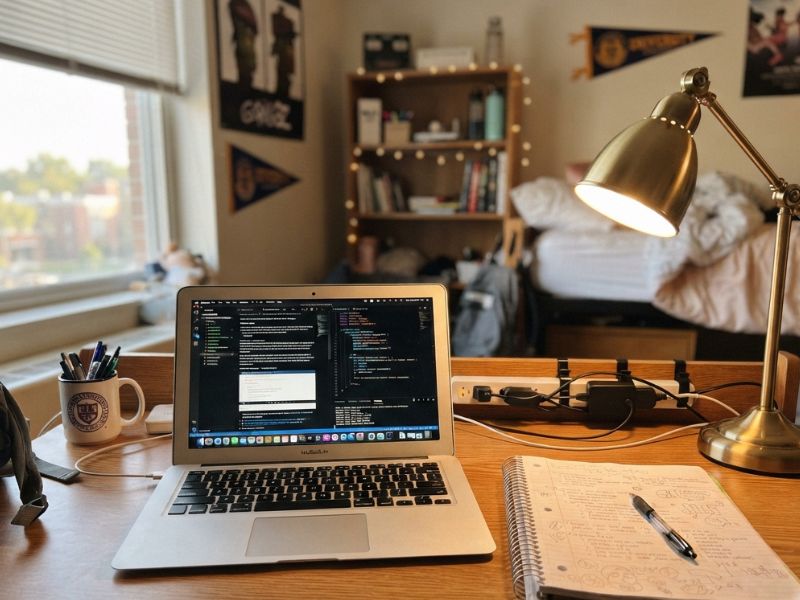
Small-space organizing tips to cut clutter, boost focus, and keep a dorm desk setup working all semester long.
Ten minutes into a study session, focus drifts, from the textbook, to the pile of mail on the corner of the desk, to the tangled charger cords, to the half-empty cup from yesterday still sitting there.
Pulling attention back works for a minute, then it happens again. It’s easy to blame this on discipline, but the real problem is usually sitting right there on the desk.
Princeton neuroscientist Sabine Kastner spent years studying exactly this. Her research found that visual clutter competes for space in the brain’s visual cortex, quietly tiring out the ability to focus over time, even when the brain thinks it’s tuned it out completely. Every item in view is still being processed somewhere, whether it’s noticed or not.
That’s what a real dorm desk setup actually fixes. Not just making the space look tidier, but removing the constant, low-level static that’s been working against focus the whole time studying has felt harder than it should.
Fixing it doesn’t require new furniture or a bigger room, just a system built for the small space that’s actually there, one that keeps the clutter from creeping back the moment the week gets busy.
Creating a comfortable and inviting sleeping area starts with Dorm Bed Makeover: How to Style a Dorm Bed to Feel Like Home, where simple styling tricks help transform a basic dorm bed into a cozy retreat you’ll actually look forward to relaxing in.
Why a Cluttered Desk Costs You More Than It Looks Like

Photo credit: @ Ellie Ouellette
A messy desk doesn’t just look bad, it slows down actual studying. Research on this same effect found that clearing visual distractions and tidying a workspace led to measurable gains in productivity.
Not a small bump, a real, tracked difference in how much people got done.
Here’s what that looks like in practice on a small dorm desk: every extra item in view, a stack of mail, a used mug, a tangle of cords,is something your brain has to notice and dismiss before it can settle on the textbook in front of you.
That dismissal happens dozens of times an hour without you realizing it, and each time, it costs a small amount of the attention you meant to spend studying.
Clear four or five of those items off the desk, and that small tax disappears. It’s not about the desk looking nicer, it’s fewer things pulling at your attention while you’re trying to concentrate.
Zone It, Don’t Just Declutter It
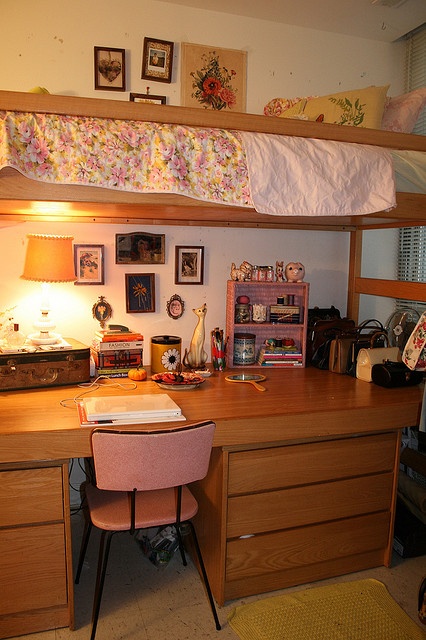
Photo credit: @ Unknown
Clearing a desk once feels good for about a week, then everything creeps back. A dorm desk setup that actually lasts needs a system, not a one-time clean sweep, and the simplest system is splitting the desk into three zones.
1. Active zone
Only what’s being used right now sits here, laptop, one notebook, maybe a pen. Nothing else touches this space while studying.
2. Reserve zone
Things used a few times a week, a calculator, a second textbook, headphones, get tucked to one side of the desk or into a drawer. Close by, but out of the direct line of sight.
3. Archive zone
Anything used rarely doesn’t belong on the desk at all. Off-season textbooks, old notes, extra supplies, these go into under-bed storage or a closet shelf, completely off the desk.
This is where the earlier point about visual clutter actually matters in practice: it’s not enough for something to just be “put away” on the desk itself, since anything still in view keeps competing for attention, even tucked in a small tray or organizer.
That’s why the archive zone specifically means off the desk and out of the visual field, a closet or under-bed bin does more for focus than a neatly stacked pile in the corner, because the brain isn’t processing it every time it glances up.
The reserve zone works on a similar smaller scale, a drawer, not just a corner of open desk space, keeps weekly-use items out of sight until they’re actually needed, instead of sitting in view all day for the brain to keep dismissing.
The point of zoning isn’t a stricter version of decluttering. It’s a system with a place for everything to go back to, built around what’s actually pulling at attention and what isn’t.
Making a compact room feel functional and stylish is easier with Small Space Decorating Ideas, packed with smart solutions that help maximize every inch without making the space feel crowded.
Cable Management as a Real Safety Issue, Not Just a Clutter One
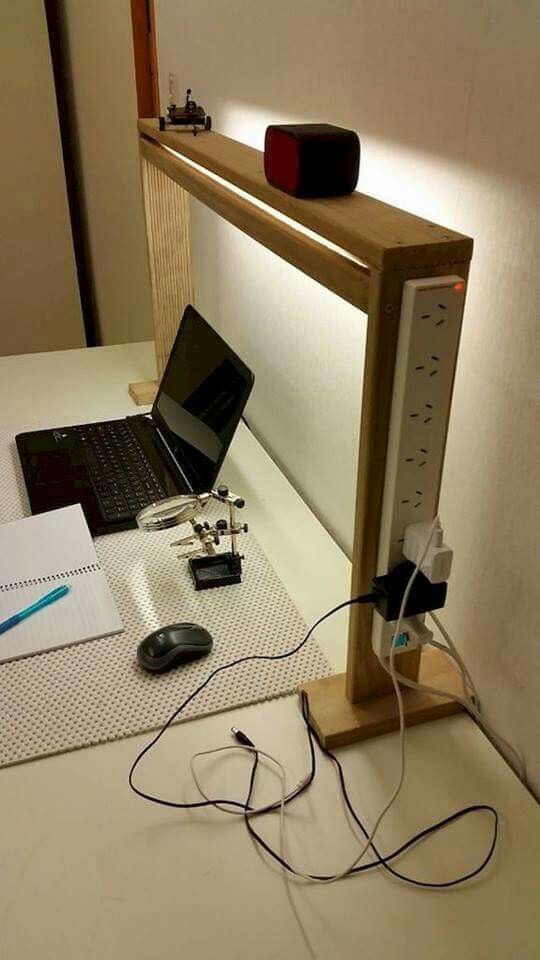
Most dorm rooms run a laptop, a phone charger, a desk lamp, and a couple other devices off one or two wall outlets, which is exactly the setup that causes tangled cords in the first place.
But this isn’t only about how it looks. It’s a fire safety issue, and dorms actually have rules about it.
Regular extension cords and unfused multi-plug adapters are prohibited in most residence halls. What’s required instead is a UL-listed surge protector with a circuit breaker, plugged directly into the wall.
Daisy-chaining two power strips together is also against fire code in most dorms, even though it’s a common workaround when outlets run out.
A few things that actually help within those rules:
One surge-protected power strip, not several. Get one with enough outlets for everything on the desk, plugged straight into the wall. This keeps every cord in one place instead of scattered across multiple adapters.
Cable clips along the back or underside of the desk. Routing cords this way keeps them off the floor and out of the walking path, which matters both for clutter and for not tripping over a cord in a small shared room.
Never run cords under a rug or tack them to a wall. This one’s a genuine fire hazard, not just against the rules, a pinched or damaged cord under pressure is a real risk, not a technicality.
A tidy cable setup isn’t just part of a clean dorm desk setup, it’s the one part of this whole post that’s actually about safety, not just focus.
Bold colors and moody design choices shine in Dark Home Decor Ideas, offering inspiration for creating spaces that feel warm, sophisticated, and full of character.
Use Vertical Space Instead of Buying More Furniture
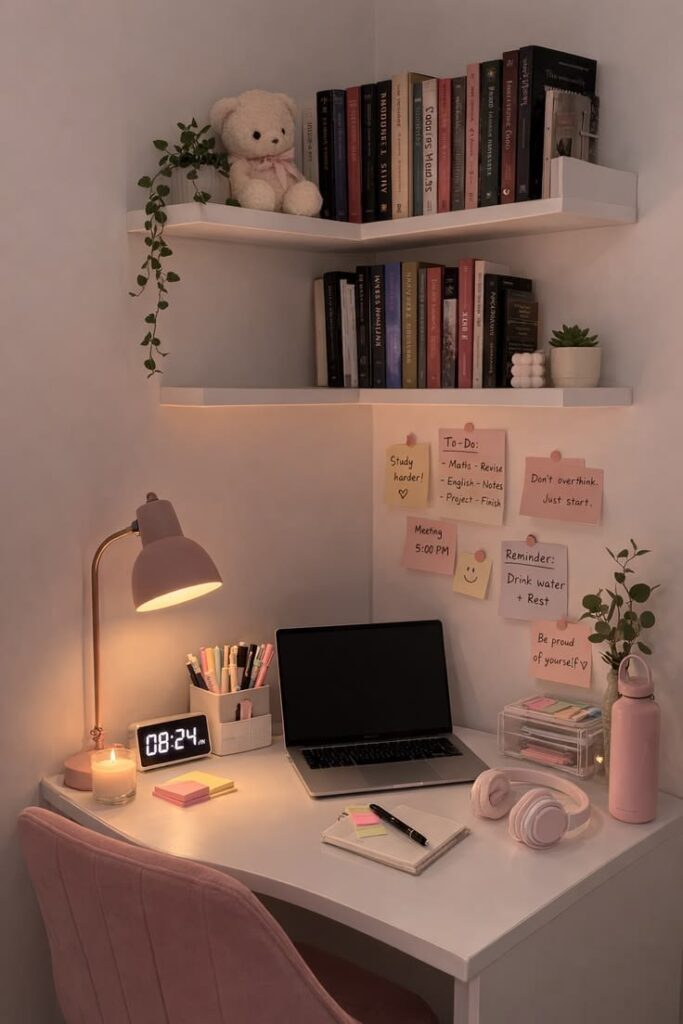
A dorm desk can’t grow outward, but it can grow upward, and that’s usually the missing piece in a dorm desk setup that still feels cramped no matter how much gets cleared off the surface.
A small desk-mounted shelf adds a second layer of surface area without taking up any of the desk itself, which is useful for books or supplies that need to stay close but don’t need to sit in the direct workspace.
A monitor stand does something similar from a different angle, it lifts the screen up, freeing the surface underneath for a notebook, keyboard, or storage that would otherwise eat into desk space.
A hanging organizer on the wall above the desk works too, using the same command-strip approach covered earlier for the dorm bed, check the weight rating on the strips before hanging anything, since this is where organizers tend to fail if the strip isn’t rated for what’s actually going on it.
None of these require new furniture. They just use space that’s already there, above the desk, instead of asking a small surface to hold everything at once.
The atmosphere of any room can change dramatically with the right fixtures, and Modern Home Lighting Inspiration showcases creative ways to brighten your space while adding style and personality.
Lighting’s Role in Both Focus and Eye Strain

Overhead lighting in most dorm rooms is either harsh fluorescent or isn’t bright enough for close-up work like reading or writing. Either way, more strain is placed on the eyes than is usually noticed in the moment.
That strain isn’t always felt as “my eyes hurt.” More often, it’s experienced as fatigue, a foggy feeling, or trouble concentrating — the kind of tiredness that gets blamed on willpower or motivation, when the actual cause is how the desk is lit.
This is fixed directly by a simple desk lamp with adjustable brightness.
Overhead light alone usually isn’t positioned close enough or bright enough for reading small text or for long stretches of screen focus, while consistent, adjustable light is placed exactly where it’s needed by a desk lamp.
It’s a small addition, but the difference is often felt between a study session that feels sluggish for no clear reason and one where the eyes aren’t worn down before the work is even done.
Seasonal updates can make a home feel fresh and renewed, and Summer Home Decor Ideas to Refresh Every Room shares easy ways to introduce lighter colors, natural textures, and warm-weather charm.
The 5-Minute Reset Habit That Keeps It From Piling Back Up
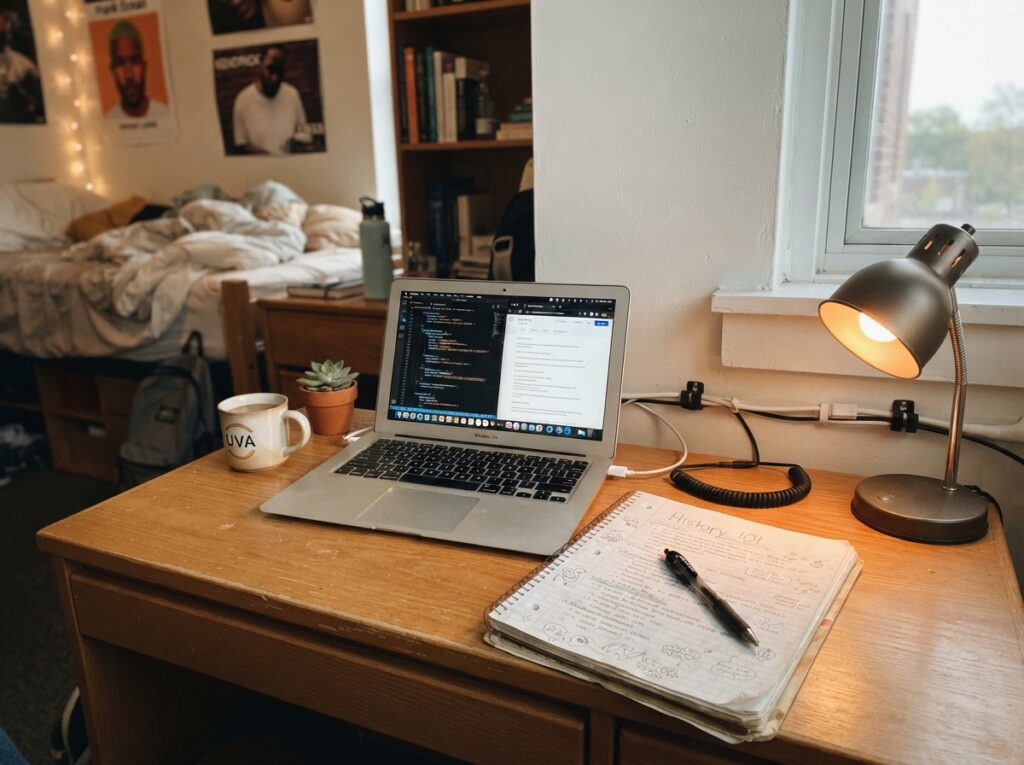
Every dorm desk setup looks great the day it’s finished. The real test is whether it still looks that way three weeks later, once classes, assignments, and everyday life start piling back onto it.
What keeps a desk from sliding back into clutter isn’t a stricter one-time organizing session, it’s a small habit repeated at the end of each day or study session.
Put things back into their zone, wipe down the surface, close out anything left open. Five minutes, done consistently, does more than a full weekend reorganizing every few months.
A dorm desk setup isn’t something finished once , it’s something reset daily, in small enough steps that it never has the chance to build back into the same clutter it started with.
Small changes can make a surprisingly big impact, and Small Bathroom Makeover ideas demonstrate how to improve both style and functionality in one of the most-used spaces in the home.
Conclusion
A small, cluttered desk doesn’t just look messy, it quietly works against focus every time it’s used. A dorm desk setup that actually holds up isn’t about a single big cleanup.
It’s zoning what stays in sight, managing cables safely, using vertical space instead of more furniture, fixing the lighting, and resetting the space in five minutes at the end of each day.
None of it needs a bigger room or a bigger budget. Just a system built for the small space that’s actually there, one that keeps working weeks after the first cleanup, not just on day one.
FAQs
- Do I need a monitor if I already use a laptop at my dorm desk?
Not necessarily, but adding an external monitor can help with posture and eye strain, since laptop screens sit lower and closer than most ergonomic guidelines recommend. If a second monitor isn’t practical for the space, a laptop stand that raises the screen to eye level does a lot of the same work.
- How do I stop my roommate’s side of the room from creeping into my desk space?
This comes down to a clear, early conversation about where each person’s stuff stays, plus a physical boundary, even something as simple as which side of a shared wall each desk faces. Setting this expectation in the first week is far easier than trying to reclaim space once boundaries have already blurred.
- What’s the best way to charge multiple devices without cluttering the desk?
A single multi-port USB charging station (not the same as a power strip) can charge a phone, tablet, and other small devices from one compact unit, cutting down on the number of separate chargers and cords taking up outlet space and desk surface at once.